It’s easy to think an appliance stops using electricity as soon as you press the power button. In many cases, though, it continues drawing a small amount of power while it’s plugged into the wall.
This is often called standby power or phantom energy. It usually doesn’t take much electricity to keep a single device on standby, but several appliances doing this around the clock can add to your household’s energy use.
You don’t have to unplug everything in your home to make a difference. Start by checking the appliances you rarely use and the electronics that stay plugged in even when nobody needs them.
Small Kitchen Appliances
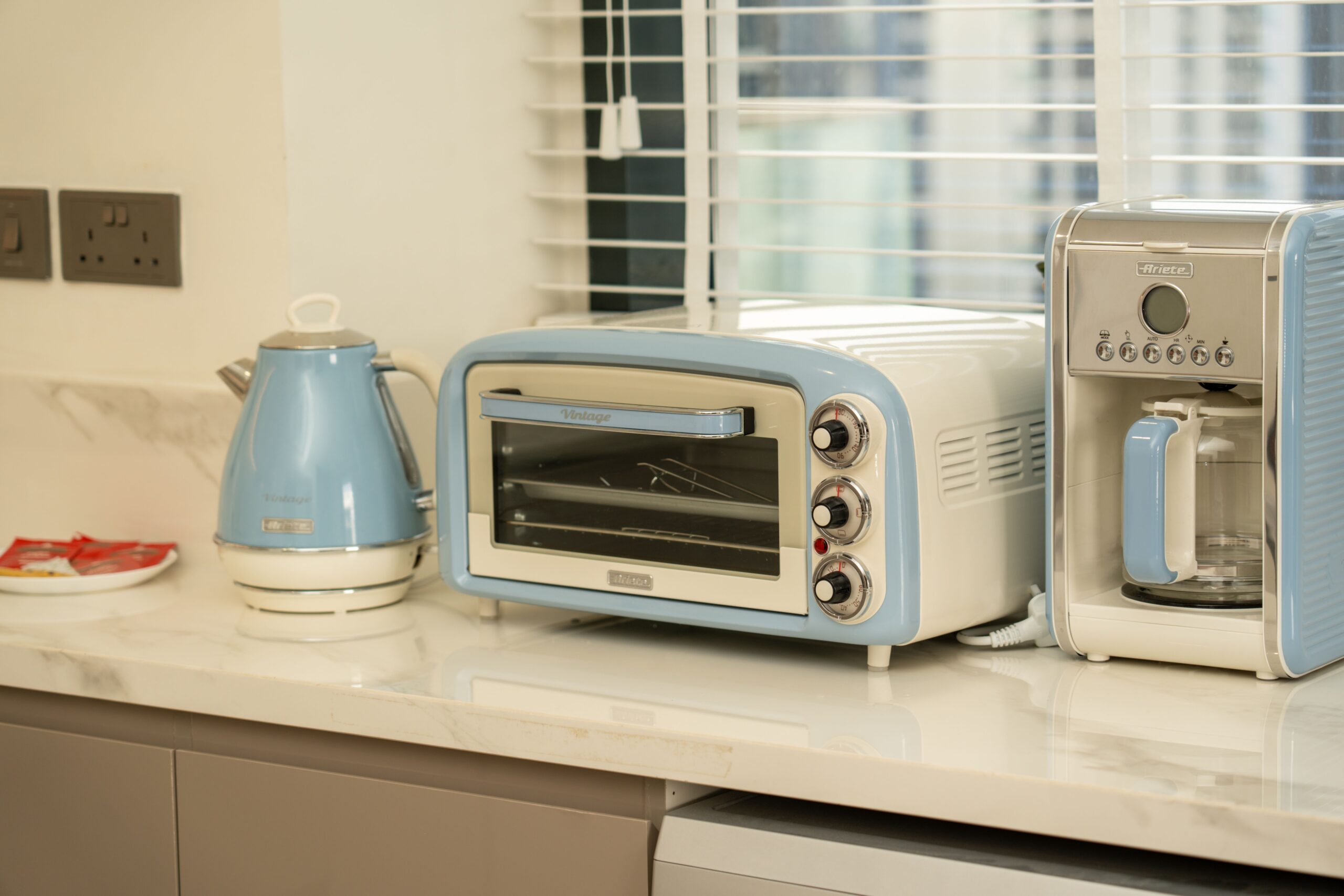
Coffee makers, air fryers, microwaves, toasters, and electric kettles are some of the most common kitchen appliances left plugged in throughout the day.
Some have digital clocks, timers, touch panels, or other features that continue using electricity after the appliance is switched off. A microwave is an easy example: it may sit unused for hours while its display clock stays lit the entire time.
If you use certain appliances only once or twice a day, unplugging them after use can cut down on unnecessary electricity use.
Phone and Laptop Chargers
Phone and laptop chargers are easy to forget because they take up so little space. A charger can still draw a small amount of electricity while plugged into the wall, even when nothing is connected.
One charger won’t make much difference on its own, but several left plugged in throughout the house can add to your overall energy use. A USB charging station with an automatic shutoff feature can also help keep your cables together and prevent unused chargers from staying connected all day.
TVs and Streaming Devices
Your television may appear to be off, but many newer models stay in standby mode so they can respond to the remote, receive updates, or connect with other devices. Streaming boxes, soundbars, and other equipment attached to your TV may also continue using electricity while idle.
If you don’t use your entertainment setup every day, consider plugging several devices into an energy-saving power strip. One switch can shut down the equipment you don’t need running between uses.
Gaming Consoles
Gaming consoles can remain connected to the internet while you’re away, downloading updates or staying in a sleep or standby setting. This can be convenient if you play regularly, but it may be unnecessary if the console sits untouched for days.
Check your console’s settings for a low-power option that reduces electricity use while keeping some convenient features available. You may be able to avoid unplugging it after every gaming session.
Space Heaters
Space heaters need more attention than most items on this list because they use a lot of electricity while operating. Leaving a portable heater plugged in when you don’t need it can also raise safety concerns.
Unplug the heater after use, especially before bed or when you leave home, and don’t rely on the power switch alone. If you’re replacing an older model, look for a ceramic heater with an automatic shutoff feature and other built-in safety protections.
Coffee Makers
Your coffee maker may spend much more time sitting unused than actually making coffee. Many models keep a clock or timer running throughout the day, while some keep a warming plate heated after brewing.
If you make coffee in the morning and don’t use the machine again until the next day, unplugging it after your routine can reduce standby electricity use. If you rely on its scheduled brewing feature, though, there’s no reason to give up a daily convenience just to save a small amount.
Computers and Office Equipment
A home office can have several devices drawing standby power, including desktop computers, monitors, printers, speakers, and scanners. A computer in sleep mode uses less electricity than one that’s fully running, but it still draws some power.
Shut down your computer at the end of the day and switch off accessories you don’t need overnight. A desktop power strip can make this easier if several devices share the same outlet, but leave networking equipment, security devices, and computers connected for scheduled tasks when they need to stay on.
Hot Water Recirculation Pumps
Hot water recirculation pumps work differently from most appliances on this list because they keep hot water moving through your plumbing. This means you don’t have to wait as long for warm water at the faucet, but the pump can use extra energy, especially if it runs continuously.
If your household doesn’t need hot water circulating around the clock, a timer may help limit the pump’s operating hours. Check how your system works before changing its settings, since a schedule that works for one household may not suit another.
Other Topics You Might Like
- 15 Vintage Appliances That Are Surprisingly Valuable Today
- Discontinued Appliances People are Desperate to Bring Back
- 13 Appliances You Should Always Plug Into the Wall Instead
- 15 Vintage Home Appliances That Turned Into Coveted Collector Pieces
- The Most Power-Hungry Appliances in Your Home, According to Energy Experts